Lab
Small interaction studies after things I love, from writing tools and phone islands to a wastepaper bin, a seat picker and a paper plane.
Arrow keys move the selection, Shift extends it, and Ctrl B or I formats it.
01Text toolbar
Select words, then bold, slant, align or restyle them. Words glide to their new places, and Read along walks the paragraph at reading pace.
- After
- Floating format bars in writing apps
- Motion
- layout springs 300/30 · weight 400→650 · skew −9°
- Ink
02Dynamic island
Press the island to tuck it into a pill or open it again, and switch the activity underneath. The shape grows on one spring; the contents crossfade through a blur rather than stretching.
- After
- Dynamic island, from Bencho (MIT)
- Motion
- spring 380 · damping 34 − 16 × bounce · nudge 1.08
- Ink
03Chat tray
A tray slides out from behind the message box: below it to connect apps, above it to pick a project. The approval chip turns from a grey request into a red warning.
- After
- A tray slides out from behind, by Flo
- Motion
- spring 420/38 · new tray 140ms behind the old
- Ink
04Magnetic select
Pick a picture. It swells and the others are shoved out of its way, the far ones a beat late, and the whole cluster leans toward your cursor.
- After
- Magnetic select, from Bencho (MIT)
- Motion
- grow 1.28 · aura 8px · 22ms stagger a step
- Ink
05Constellation copy
Copies a link to this plate. Three stars appear, a hairline joins them into a check, and they twinkle once.
- After
- Star charts
- Motion
- springs 60ms apart · 300ms line
- Ink
06Rippling sheet
A wireframe sheet rolls a wave through itself and settles flat while the height counts off underneath. Press it to send another. No shading; the lines do all of it.
- After
- Rippling sheet, by Paulius
- Motion
- sech² wave · 2.6s end to end · 1.2s rest
- Ink
Delete this file?
Crumple Mockup_V2.png and toss it into the bin.
07Crumple bin
Grab the file to crumple it, then flick it up into the bin or drop it straight in. Miss, and it says so and hands the ball back. A hit deletes the file, with an Undo.
- After
- Crumple and throw, by Nils
- Motion
- gravity 2400px/s² · rim bounce 0.5 · floor bounce 0.42
- Ink
Home
08Tab bar
Pick a tab and the pill slides over, stretching as it travels. Press + and the bar grows into a panel of actions, its icons blurring out as the tiles sharpen in; choose one, or press Escape, and it folds back.
- After
- Expandable tab bars on phones
- Motion
- spring 400/32 · pinch 24px · pill 500/30 · smear 1.3× · blur 4px · 45° turn
- Ink
Small interaction studies, like this one.
09Dot menu
Point at an item or tab to it: the label dims, and its dot glyph empties to the grid and redraws corner to corner. Click one to make it the current page.
- After
- Dot-matrix menu icons
- Motion
- drain 180ms · redraw 28ms a diagonal · label 150ms · underline 420/36
- Ink
10Flight path
Scroll the guide or pick a heading, and a plane flies the dashed route to the current section, banking through the turns. The stretch it has flown turns solid.
- After
- In-flight route maps
- Motion
- spring 200/26 · bank 260/26 · lift up to 1.22× at speed
- Ink
Seats
Your plan comes with 5 seatsAdd seats now and upgrade later if you need more.
11Seat stepper
Add a seat and its chair stands up tall, settles and turns ink while the count rolls over. Fill all five and Upgrade warms once while the hint leans on it; upgrade for three more.
- After
- Seat pickers on team plans
- Motion
- stand-up 1.24× · 420ms · roll 180ms · spring 420/32 · wash 1.1s
- Ink
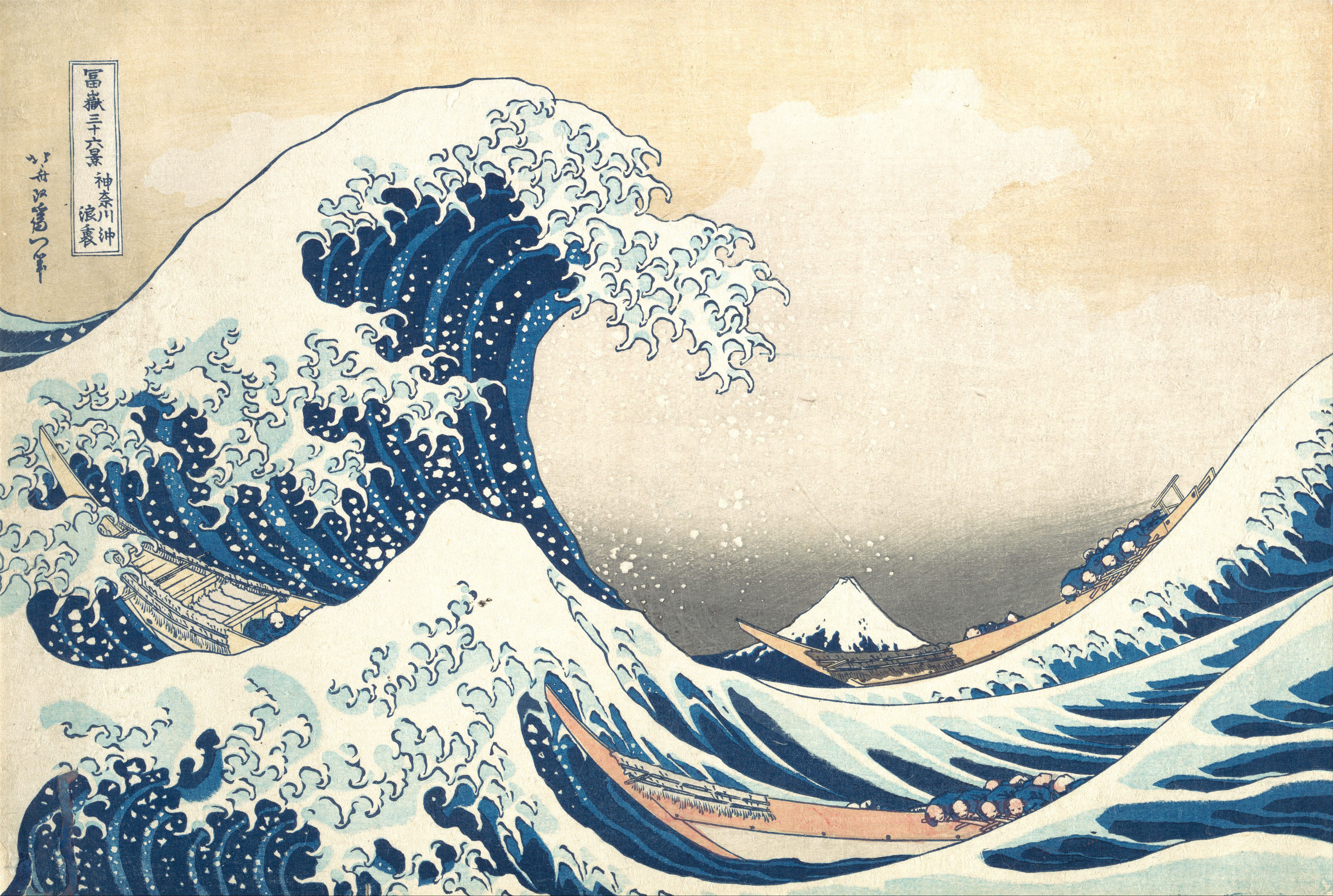
Slow Looking
Three boats, one wave
12Audio transcript
Press play and the artwork folds into a header while the transcript rises under it. The highlight walks phrase by phrase on a simulated clock, since nothing plays; drag the scrubber or press a line to jump.
- After
- Podcast players with live transcripts; cover by Hokusai
- Motion
- spring 300/32 · contents 120ms out, 200ms in · blur 4px · pop 1.25×
- Ink